
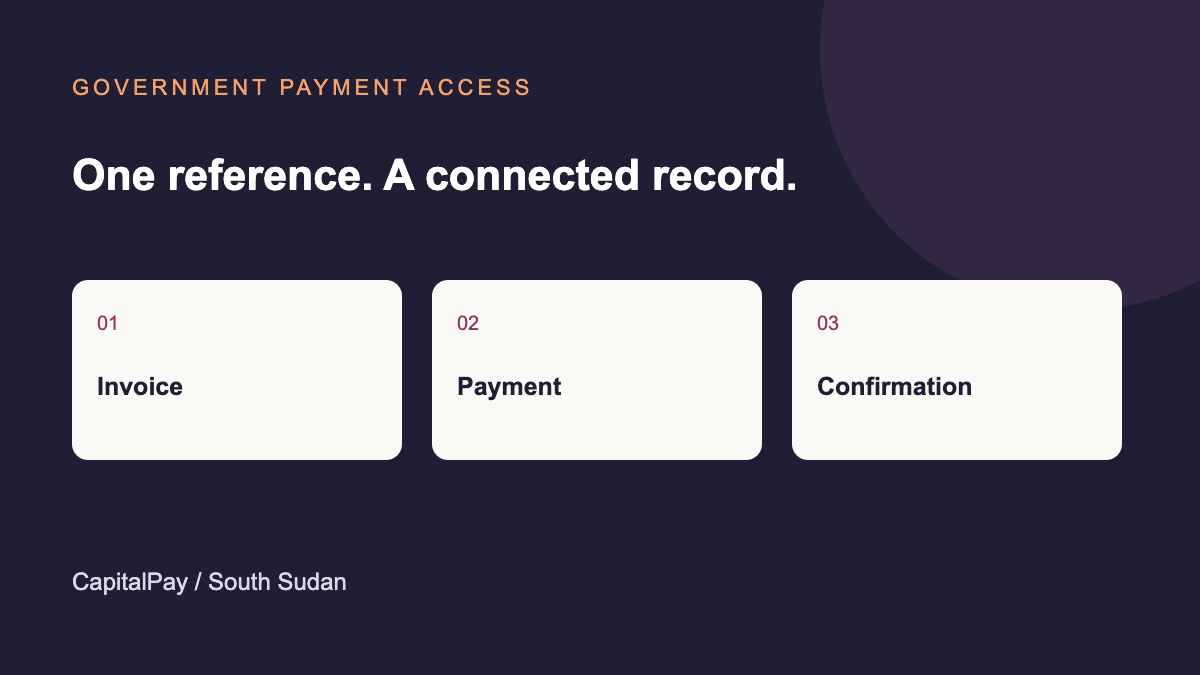
Government eServices lists CapitalPay among the channels available for payments. The correct starting point is the official service portal and the invoice it issues.
How the journey works
- Apply for the service through the responsible institution.
- Check the invoice amount, currency, expiry and reference.
- Choose a payment method offered for that invoice.
- Keep the transaction confirmation and return to the application to check its status.
Who handles each step
The government institution sets the service requirement and processes the application. The payment provider handles the transaction on the selected channel. If payment succeeds but the application is still pending, use the invoice and transaction references when following up with the service.
Payment instructions · Resolve a payment question